Documentation
Dayside docs
Dayside is the first DOM-native embedded web agent. It reads your live page structure, plans minimal actions, and executes them instantly — no knowledge base, no screenshots, no remote VM. Analytics lives inside Dayside Workspace, so launch, settings, and AX analytics stay in one owner control plane.
Dayside is the new name for the product formerly called Rover. Protocol surfaces such as rover-site.json, agent-card.json, and the rover boot global keep their original names (wire names kept for protocol compatibility).
Choose the right path
| Path | What you need | Best for |
|---|---|---|
| Hosted Preview | Signed-in URL + prompt only. | Dayside-managed demos with no site config. |
| Preview Helper | Workspace test config JSON or hosted handoff. | Best multi-page desktop testing. |
| Console | Workspace test config + generated snippet. | Fast DevTools demos. |
| Bookmarklet | Workspace test config + generated bookmarklet. | Drag-and-click current-page demos. |
| Production install | Workspace Install & Test snippet. | Your real live site. |
Watch

Full announcement — embedded web agent, one-line setup, real DOM actions.
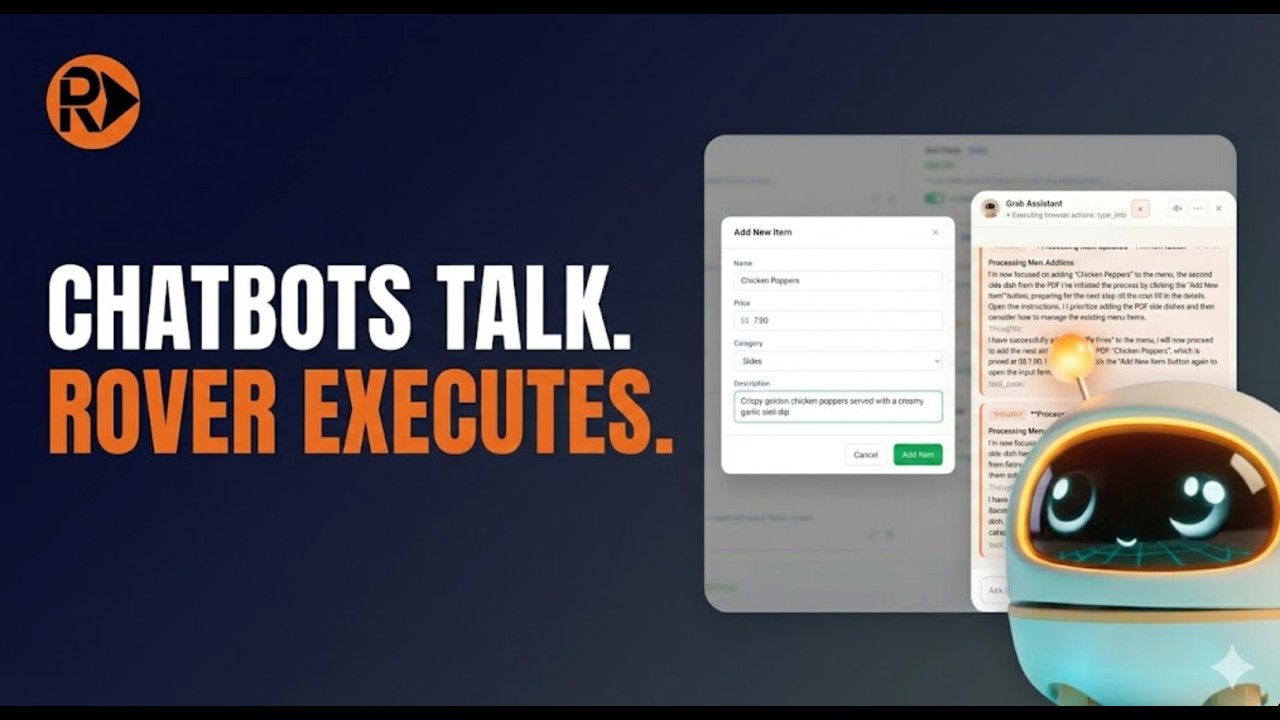
Dayside updates menus from PDF and extracts Google Maps reviews.
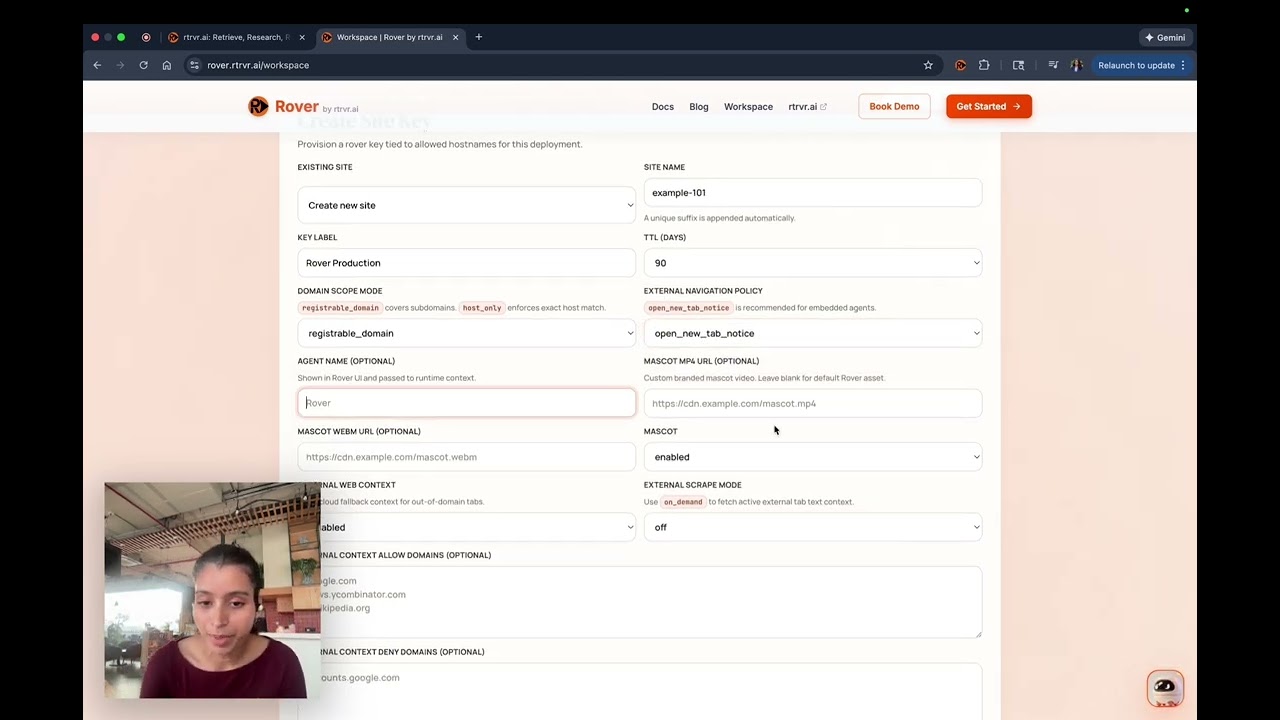
Launch Dayside on your site in under 3 minutes.
Install
<script src="https://rover.rtrvr.ai/embed.js?v=SITE_KEY_ID" async
  data-site-id="SITE_ID"
  data-public-key="pk_site_..."
  data-site-key-id="SITE_KEY_ID"></script>
Copy the exact generated snippet from Workspace; this example only shows the required production shape. Full guide →
For installs, start in Guided Launch or Settings, then open Install to copy the exact generated snippet for your site.
Need stronger machine-readable discovery beyond the snippet? Publish rover-site.json as the rich profile, add agent-card.json for interop, then read AI Discovery.
Want to prove Dayside before install? Start in Workspace for the real site config, then use Try on Other Sites or Live Test depending on whether you want config-driven live inject or a temporary hosted demo.
All sections
Platform guides
Installing through a website platform? The managed platform guides live on rtrvr.ai: